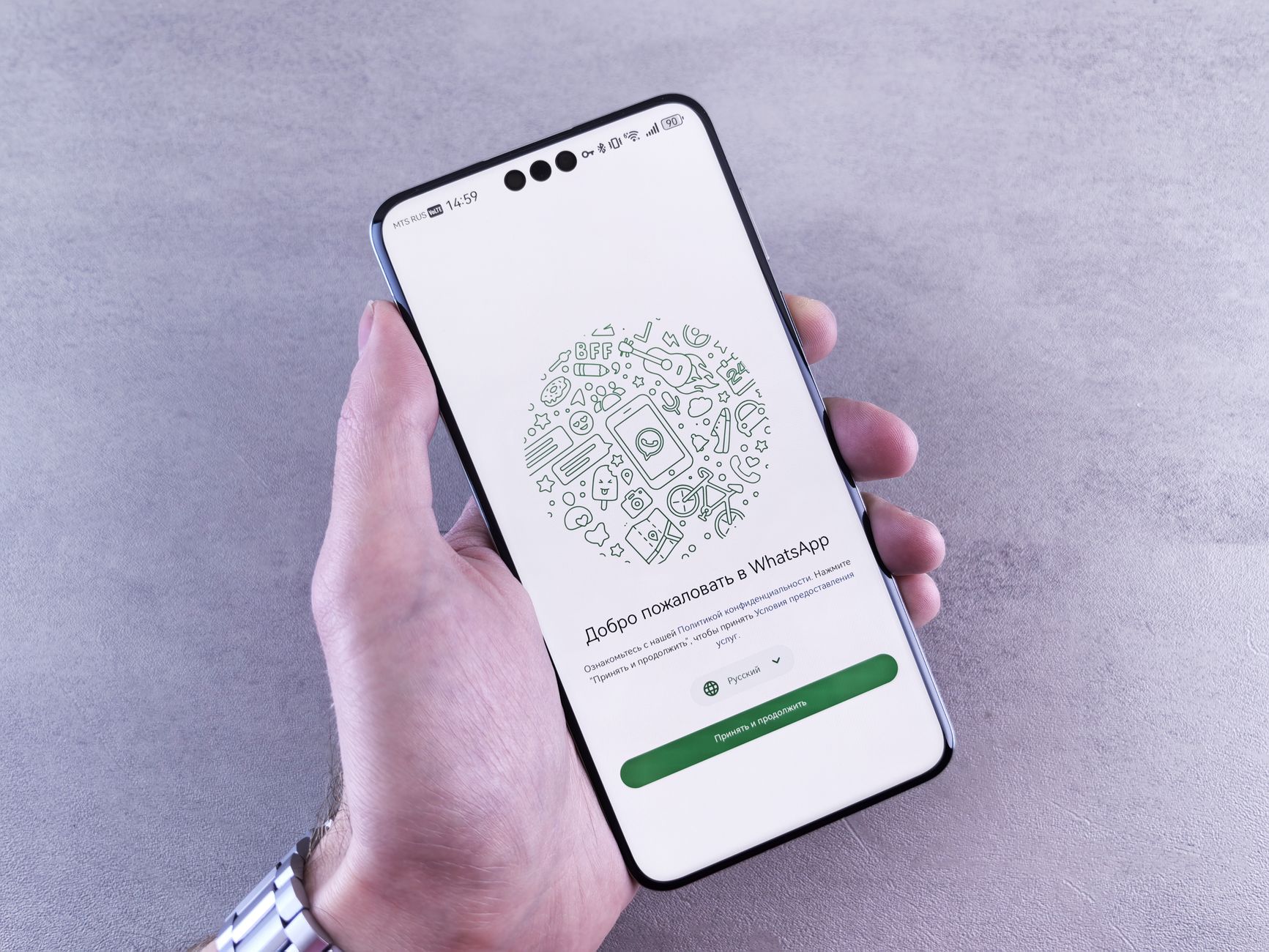
Best Way to Set Up a New Android Phone: Easy Steps for Beginners

Best Way to Set Up a New Android Phone: Easy Steps for Beginners

Quick Answer: Setting up a new Android phone takes about 15 to 30 minutes. You need to charge the phone, insert your SIM card, turn it on, connect to Wi-Fi, sign in with a Google account, and choose whether to copy data from your old phone. Then set a screen lock and update your apps. After that, you are ready to call, text, and use apps. Getting a new Android phone can feel exciting and a little confusing at the same time. You see new screens, prompts, and choices that may not make sense at first. This guide walks you through every step in plain English. We have helped many beginners and seniors set up their phones without calling a family member for help. If you also own an Apple device, you may want to compare with our guide on how to set up a new iPhone. ...
August 23, 2026 · 11 min · Jarrod Gravison
Best iPhone Setup Guide: Step-by-Step for Beginners

Best iPhone Setup Guide: Step-by-Step for Beginners

Quick Answer: Turn on your iPhone, connect to Wi-Fi, set a passcode, sign in with your Apple ID, and transfer data from your old phone or start fresh. Follow the on-screen steps and keep both devices plugged in. Basic setup usually takes 20 to 40 minutes. Congratulations on your new iPhone. If this is your first smartphone, you are in good company. Pew Research Center reports that 61% of Americans 65 and older now own a smartphone. The setup may feel like a lot, but Apple designed the iPhone to guide you one screen at a time. You do not need to be a tech expert. You only need a little patience, your Wi-Fi password, and about half an hour. This guide walks through each step in plain language. ...

August 23, 2026 · 12 min · Jarrod Gravison