Best Ways to Transfer Photos from Phone to Computer: Simple Steps
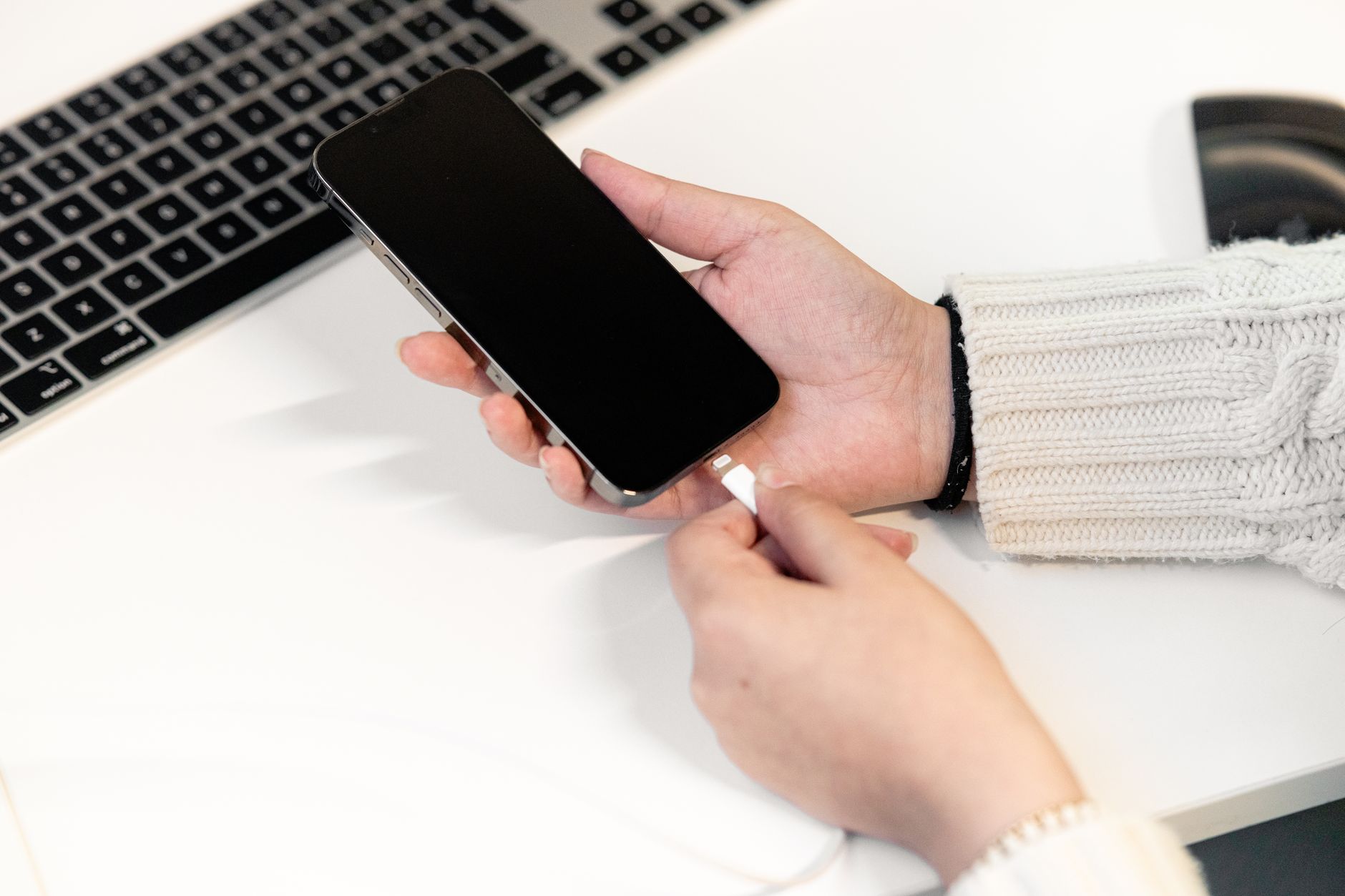
Quick Answer: The easiest way is to use the USB cable that charges your phone. Plug it into your computer, unlock the phone, and choose File Transfer or Trust This Computer. Then open the Photos app on Windows or Image Capture on Mac. Wireless options like Google Photos and iCloud also work well. Transferring photos from your phone to a computer can feel confusing. But it does not have to be. This guide shows simple steps for iPhone and Android. We focus on the USB cable method first because it is fast and free. We also cover wireless options like Google Photos and iCloud. If you just got a new phone, read how to set up a new iPhone or how to set up an Android phone before you start. The steps are short and easy to follow. ...