Best Social Media Privacy Tips for Beginners and Seniors

Best Social Media Privacy Tips for Beginners and Seniors

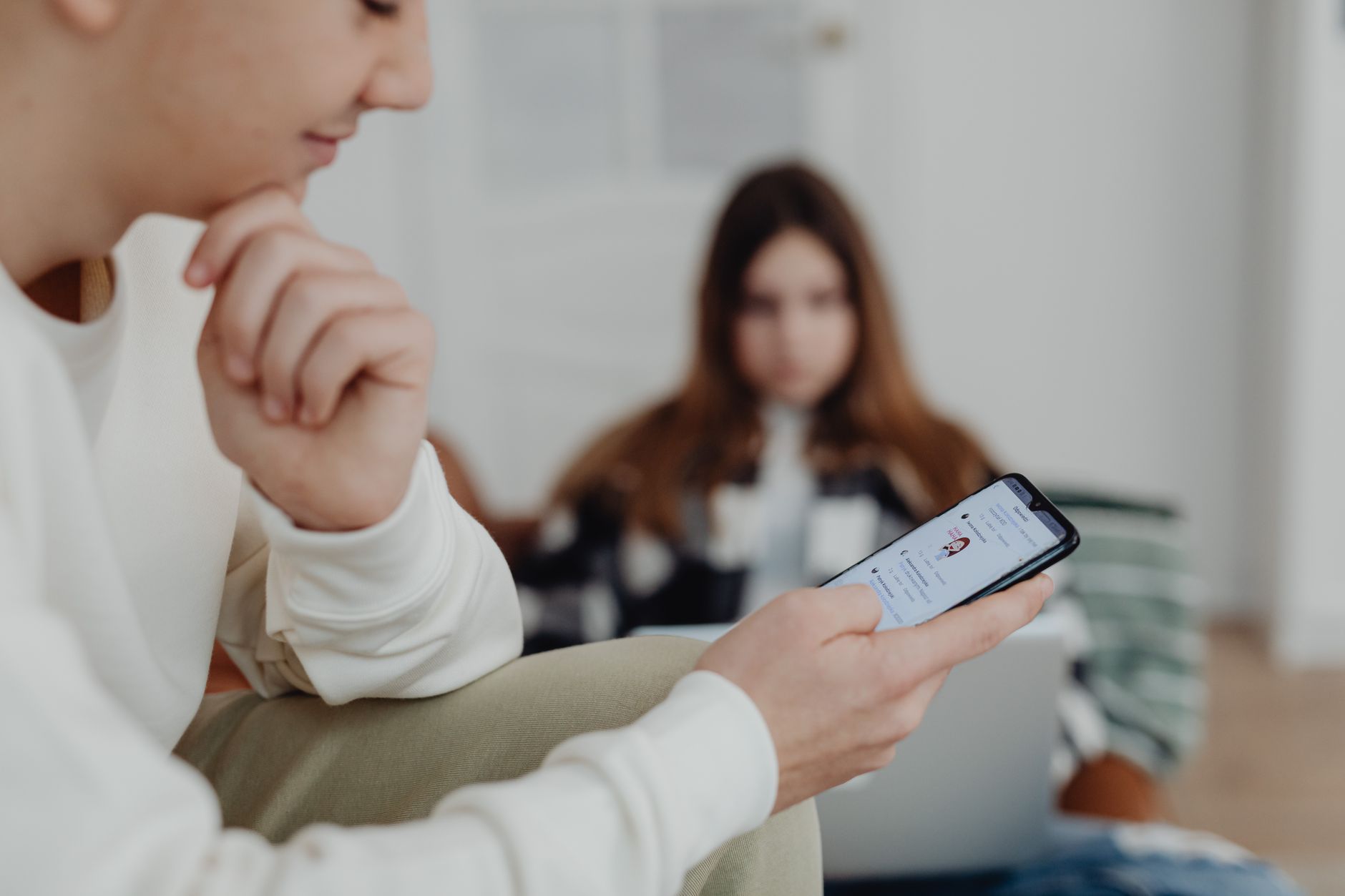
Quick Answer: Start with strong unique passwords and two-factor authentication. Set your profiles to private, limit who can see your posts, and remove personal details like your phone number. Do not accept friend requests from strangers or click links in messages. Review app permissions regularly. These steps cut your scam risk dramatically. Social media helps you stay connected with family, friends, and community groups. It is also a place where scammers and strangers can learn a lot about you. If you are new to Facebook, Instagram, or other apps, it is easy to share too much by accident. A few simple privacy changes can protect you without making social media hard to use. Start with password safety for seniors to keep your accounts locked down. Then follow the specific social media tips below. ...

August 23, 2026 · 11 min · Jarrod Gravison
Best Online Banking Safety Guide for Seniors and Beginners

Best Online Banking Safety Guide for Seniors and Beginners

Quick Answer: Online banking is safe when you use strong unique passwords, two-factor authentication, the bank's official app or website, and a private home Wi-Fi connection. Avoid links in emails or texts, never share one-time codes, and check your accounts every week. This guide walks you through every safety step for beginners. More older adults manage money online than ever before. Online banking saves trips to the branch. It also lets you check balances at midnight or pay bills from your couch. But the same convenience attracts criminals. They send fake emails, fake texts, and even fake phone calls. You can avoid most of these traps with a few simple habits. If you are new to smartphones, start with your phone’s basic setup guide, then come back to secure your bank account. This guide explains each step in plain English. ...

August 23, 2026 · 14 min · Jarrod Gravison
Best Way to Set Up Email: Step-by-Step Beginner Guide

Best Way to Set Up Email: Step-by-Step Beginner Guide

Quick Answer: To set up email, choose a provider like Gmail, Outlook, or Apple Mail, visit its official website or app, tap Create Account, fill in your name, desired email address, and password, then verify with a phone number. Add the account to your phone or computer and adjust basic settings. Email is the key to many online services. Banks, doctors, stores, and family members use it to reach you. But setting up email can feel confusing if you have never done it before. The good news is that you can follow simple steps. You do not need to be a computer expert. A Pew Research Center report shows that more adults over 65 use email than any other online activity. This guide breaks down the whole process in plain English. It covers choosing a provider, creating an account, adding it to your devices, and staying safe. ...

August 23, 2026 · 15 min · Jarrod Gravison
Best Voice Assistants for Beginners: Siri, Alexa, Google Guide

Best Voice Assistants for Beginners: Siri, Alexa, Google Guide

Quick Answer: Voice assistants like Siri, Alexa, and Google Assistant let you talk to your phone or smart speaker to get help. Start by choosing your device, enabling the assistant in settings, then practicing simple commands like 'Set a timer for 10 minutes.' This guide walks you through setup, daily use, privacy, and troubleshooting. Talking to your phone or smart speaker may feel strange at first. But voice assistants can save time and reduce frustration. Siri, Alexa, and Google Assistant are the three most common helpers. They can set reminders, make calls, play music, and answer questions. You do not need to type small buttons or search through menus. This guide explains how to use each one safely and confidently. ...

August 23, 2026 · 11 min · Jarrod Gravison