Many people who switch from an iPhone to an Android phone wonder if they can keep using an Apple Watch. The short answer is no. Apple builds the Apple Watch so it only pairs with an iPhone. There is no Apple Watch app for Android in the Google Play Store. If you try to pair an Apple Watch with a Samsung or Google phone, the watch simply will not show up. This guide explains exactly what your options are. We tested the steps and read Apple’s support pages so you do not have to guess.
Before we dive in, here is the key fact. Every Apple Watch model, including the Apple Watch SE and Apple Watch Series 10, requires an iPhone to set up. Apple’s support pages say you need an iPhone 8 or newer for many older watches, and an iPhone XS or later for the newest models running watchOS 11. If you only have an Android phone, the Apple Watch will not connect to it. There is no hidden menu, no third-party app, and no cable trick that makes it work. You have three realistic paths: buy an iPhone, use Family Setup with a borrowed iPhone, or choose an Android-friendly smartwatch.
According to Pew Research Center, smartphone ownership among adults 65 and older has grown significantly over the past decade. Many seniors now use Android phones because they cost less and offer larger screens. If you are one of them, you may have received an Apple Watch as a gift or found a good deal on one. Before you spend money, read our iPhone setup guide and our Android phone setup guide to understand what each phone can do. Then decide which watch fits your budget and comfort level.
One more warning. Search engines are full of websites and apps that claim to pair an Apple Watch with Android. They do not work. Some of them are scams that try to steal your personal information. The Federal Trade Commission warns that fake tech support and pairing apps are a common trick. If an app asks for payment to connect an Apple Watch to Android, stop. It is not real. Use this guide to learn the honest options and the best watches that actually work with Android phones.
How Do the Top Options Compare?
| Option | Compatible With Android? | Requires iPhone? | Key Feature | Best For |
|---|---|---|---|---|
| Apple Watch with an iPhone | No | Yes | Apple health and safety features | iPhone owners |
| Apple Watch Family Setup | No, not for your Android phone | Yes, for setup and management | Cellular calls and texts without an iPhone nearby | Family members without a phone |
| Samsung Galaxy Watch 7 | Yes | No | Wear OS with Samsung health | Samsung phone owners |
| Google Pixel Watch 3 | Yes | No | Clean Wear OS with Google Assistant | Android users wanting a simple Google watch |
| Fitbit Versa 4 | Yes | No | Long battery life and simple fitness tracking | Seniors who want easy activity tracking |
Prices and features change often. Check the watch maker’s website for current prices and phone requirements.
1. Apple Watch with an iPhone , Best for iPhone owners who want the full Apple Watch experience
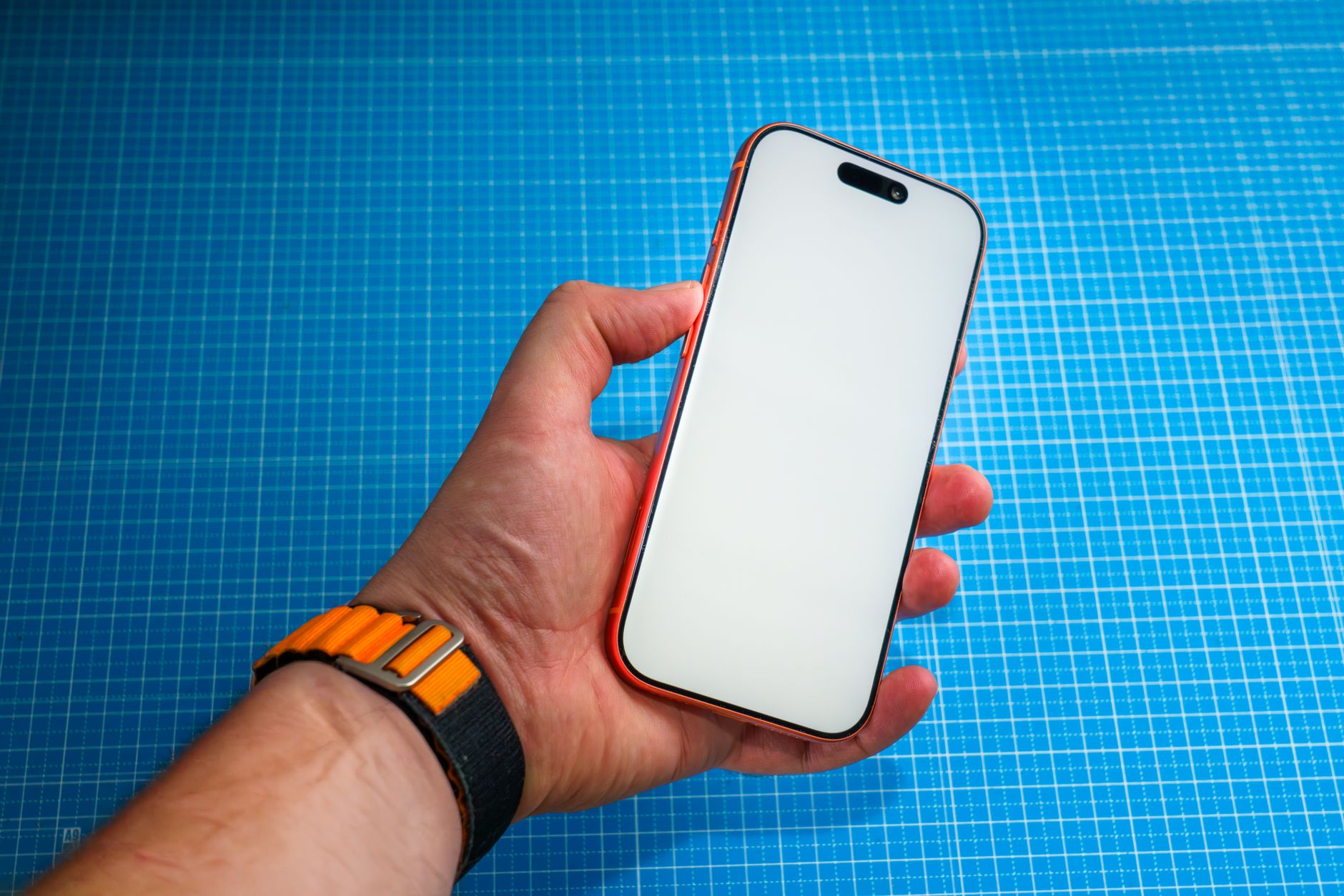
This is the only way to use an Apple Watch the way Apple designed. To set it up, you need an iPhone. The pairing steps are simple. Turn on the Apple Watch by holding the side button. Open the Watch app on your iPhone. Tap All Watches, then tap Add Watch. Hold the iPhone over the watch until the pairing dot appears. Follow the on-screen steps to choose your wrist, sign in with your Apple ID, and set a passcode. If you have not bought an iPhone yet, read our guide to setting up a new iPhone before you begin.
The Apple Watch offers health features like fall detection, heart rate alerts, and emergency SOS. In the US, fall detection is turned on automatically if you are 55 or older. You can check this by opening the Watch app on the iPhone, tapping Emergency SOS, and looking for Fall Detection. Siri works from your wrist when you raise your arm. You can ask Siri to set a timer, call a family member, or send a text. These features make the Apple Watch a good safety tool for seniors, but only if you carry an iPhone.
The main downside is the price. A new Apple Watch SE starts around $249, and the Apple Watch Series 10 costs more. You also need an iPhone that Apple supports. Older iPhone models cannot run the latest watchOS. Apple’s support page says the newest Apple Watch models need an iPhone XS or later with iOS 18. If your iPhone is too old, the Watch app will not let you pair. Check your iPhone model before you buy.
Key strengths:
- ✅ Fall detection and emergency SOS add safety for older adults
- ✅ Easy pairing through the Watch app on any recent iPhone
- ✅ Siri voice commands work directly from your wrist
- ✅ Large app library includes health, fitness, and communication tools
- ❌ Will not pair with any Android phone, no matter the brand
- ❌ Requires a recent iPhone, which adds cost if you do not already own one
- ❌ Battery life is about 18 hours, so you charge it daily
Who it’s for: Choose this if you already own a compatible iPhone and want the safest, most integrated Apple Watch.
2. Apple Watch Family Setup , Best for a family member without an iPhone who can borrow an iPhone for setup
Family Setup is Apple’s one official exception to the iPhone rule. It lets you set up an Apple Watch for someone who does not have an iPhone, such as a child or an older relative. The catch is that you still need an iPhone at setup time. You cannot use an Android phone for any part of this. If you have a family member with an iPhone, ask them to help. On their iPhone, they open the Watch app, tap All Watches, tap Add Watch, and choose Set Up for a Family Member. Then they follow the steps to create a passcode and turn on cellular if the watch supports it.
Once Family Setup is done, the watch works on its own. It can make phone calls, send messages, and share its location. The person wearing the watch does not need to carry a phone. This is useful for a senior who wants a safety device but does not want a smartphone. The watch needs a cellular plan from a supporting carrier. Contact your carrier to ask about adding an Apple Watch to a family plan. The monthly cost is usually around $10 to $15, but prices vary.
Here is the honest limitation. Family Setup does not let you connect the watch to an Android phone later. The iPhone that set up the watch remains the manager. That iPhone can see the watch’s location, approve contacts, and change settings. If you are the one wearing the watch and you later buy an Android phone, you will still need that iPhone for management. For a simpler path, read our guide to spotting tech support scams before you search for workarounds. Many fake apps promise Android pairing and just steal your information. The Federal Trade Commission publishes warnings about these tricks.
Key strengths:
- ✅ Official Apple method for using a watch without the wearer owning an iPhone
- ✅ Cellular calls and texts work without a phone nearby
- ✅ A family member’s iPhone can manage safety and contact settings
- ✅ Good for seniors who want emergency help without carrying a smartphone
- ❌ Still requires an iPhone for setup and ongoing management
- ❌ Does not connect to Android phones at all
- ❌ Cellular plan adds a recurring monthly cost
Who it’s for: Choose this only if a family member with an iPhone can set up and manage the watch for you.
3. Samsung Galaxy Watch 7 , Best Samsung smartwatch for Android users who want health tracking

If you have a Samsung Galaxy phone, the Galaxy Watch 7 is the closest Android alternative to Apple Watch. It pairs through the Galaxy Wearable app, which is already on most Samsung phones. Turn on the watch by pressing and holding the bottom button. Open the Galaxy Wearable app on your phone. Tap Start, then select Galaxy Watch 7 from the list. Follow the prompts to pair the devices with Bluetooth. If you need help turning on your phone first, read our Android phone setup guide.
The Galaxy Watch 7 tracks heart rate, sleep, and workouts. It also offers fall detection, irregular heart rhythm notifications, and an emergency SOS feature. To turn on fall detection, open the Galaxy Wearable app, tap Watch settings, then Safety and emergency, then Hard fall detection. You can also use Bixby or Google Assistant by holding the home button on the watch. Voice commands let you set timers, send texts, and ask about the weather without typing.
Samsung designed this watch to work best with Samsung phones. It does work with other Android phones, but some health features require a Samsung phone. For example, the electrocardiogram, or ECG, app only runs when paired with a Samsung Galaxy phone. If you have a Google Pixel or Motorola, you may want the Google Pixel Watch 3 instead. The Galaxy Watch 7 battery lasts about a day, so plan to charge it each night.
Key strengths:
- ✅ Pairs easily with Samsung Galaxy phones using the Galaxy Wearable app
- ✅ Fall detection, emergency SOS, and heart rate alerts are built in
- ✅ Large round screen is easy to read
- ✅ Google Assistant and Bixby both work for voice commands
- ❌ Some health features only work with Samsung phones
- ❌ Battery life is about one day, similar to Apple Watch
- ❌ The Samsung Health app can feel busy for beginners
Who it’s for: Choose this if you own a Samsung Galaxy phone and want a full-featured health watch.
4. Google Pixel Watch 3 , Best for Android users who want a simple Google smartwatch
Google’s Pixel Watch 3 is a cleaner, simpler Android watch than most. It runs Wear OS, Google’s operating system for smartwatches. Pairing takes a few steps. Turn on the watch by pressing the crown. Download the Pixel Watch app from the Google Play Store if it is not already on your phone. Open the app, tap Get started, and follow the on-screen prompts. The watch works with any Android phone running Android 10 or later, according to Google’s support page. It does not work with iPhones.
The Pixel Watch 3 offers a bright display, heart rate tracking, and emergency features. Google Assistant is the default voice helper. Just say ‘Hey Google’ or hold the side button and ask for help. You can use it to set reminders, send messages, and get directions. If you have used Google Assistant on your phone before, the watch feels familiar. Our voice assistant guide explains how to set up and use Google Assistant on different devices.
The downside is the price. The Pixel Watch 3 costs about the same as an Apple Watch Series 10, around $349 for the smallest model. Fitbit owns the fitness side, so the watch includes some Fitbit tracking features. But if you want the longest battery life and the simplest design, a Fitbit Versa 4 may be easier. The Pixel Watch 3 needs charging every day, just like an Apple Watch.
Key strengths:
- ✅ Clean, simple Wear OS interface is beginner friendly
- ✅ Google Assistant works hands-free for calls, reminders, and searches
- ✅ Pairs with any Android phone running Android 10 or later
- ✅ Fitbit features are built in for basic fitness tracking
- ❌ Expensive compared to many Android watches
- ❌ Battery life is about one day
- ❌ Some advanced health features require a paid Fitbit Premium subscription
Who it’s for: Choose this if you want a simple, safe Android smartwatch with Google Assistant built in.
5. Fitbit Versa 4 , Best for seniors who want long battery life and simple fitness tracking
Fitbit has made simple fitness trackers for years. The Versa 4 is a smartwatch that focuses on health and battery life. It works with both Android phones and iPhones. To set it up, charge the watch, then download the Fitbit app from Google Play or the Apple App Store. Create a Fitbit account, tap Today, tap your profile picture, then tap Set Up a Device. Choose Versa 4 from the list and follow the steps. If you need to make text larger on your phone first, use the Display settings on your phone.
The Versa 4 lasts up to six days on a charge, according to Fitbit. That is much longer than the Apple Watch, Galaxy Watch, or Pixel Watch. Senior users often appreciate not charging a watch every night. The watch tracks steps, heart rate, sleep, and common activities. It also offers notifications for calls and texts, but you cannot reply from the watch. For many beginners, that is fine. Less typing means fewer mistakes.
Fitbit does not include fall detection on the Versa 4. If you want a safety feature that calls for help after a fall, the Apple Watch or Galaxy Watch is a better choice. Fitbit also puts some deeper sleep data behind Fitbit Premium, which costs about $10 a month. The Versa 4 is often on sale for under $200, making it a budget-friendly entry point.
Key strengths:
- ✅ Battery lasts up to six days, so no daily charging
- ✅ Simple step, heart rate, and sleep tracking is easy to understand
- ✅ Works with Android phones and iPhones
- ✅ Lower price than Apple Watch, Galaxy Watch 7, or Pixel Watch 3
- ❌ No fall detection or emergency SOS on the Versa 4
- ❌ Cannot reply to texts or take calls from the watch
- ❌ Advanced sleep insights require a paid Fitbit Premium plan
Who it’s for: Choose this if you want a low-cost fitness watch with long battery life and no daily charging.
Frequently Asked Questions
Can I pair an Apple Watch with an Android phone?
No. Apple does not make an Android app for Apple Watch. Every Apple Watch needs an iPhone to set up and pair. No third-party app can make it work.
Is there any Apple Watch workaround that uses an Android phone?
No real workaround exists. The only official option is Family Setup, and it still needs an iPhone to set up and manage the watch. An Android phone cannot be used for management.
What is Apple Watch Family Setup?
Family Setup lets someone without an iPhone wear a cellular Apple Watch. A family member with an iPhone sets up and manages the watch. The watch can make calls and send texts without a phone nearby, but it does not connect to Android.
Which smartwatches work with Android phones?
Samsung Galaxy Watch 7, Google Pixel Watch 3, and Fitbit Versa 4 all work with Android. Samsung watches pair best with Samsung phones, while Pixel Watches pair with any Android phone running Android 10 or later. Fitbit works with both Android and iPhone.
Do I need an iPhone to use Samsung or Google watches?
No. Samsung Galaxy Watch 7 and Google Pixel Watch 3 pair directly with Android phones. You do not need an iPhone for those watches.
Are Apple Watch on Android pairing apps safe?
No. Many apps and websites claiming to pair Apple Watch with Android are scams. They may steal personal information or charge fees. The FTC warns about fake tech support and pairing apps.
What Should You Remember?
- Apple Watch needs an iPhone. No Android phone can set up or pair any Apple Watch model.
- Family Setup still requires an iPhone. It lets someone without a phone wear a watch, but an iPhone manages it.
- Samsung Galaxy Watch 7 fits Samsung owners. It pairs with Galaxy phones and offers fall detection and emergency SOS.
- Google Pixel Watch 3 is the simple Android choice. It works with any Android phone running Android 10 or later and has Google Assistant.
- Fitbit Versa 4 offers the longest battery. It lasts up to six days and works with Android and iPhone, but has no fall detection.
- Avoid Apple Watch Android pairing apps. They are often scams that steal personal data or money.
This article is for general informational purposes only and is not medical, financial, or professional advice. Statistics and product details change, so verify current figures with the cited source before acting. Some links may be affiliate links that support this site at no cost to you.